

The purpose of SSD, RAM, CPU, GPU, and system upgrade is to enhance system speed, including faster boot times, quicker application loading, and improved multitasking. MarkTech Nepal provides SSD upgrades as a service to boost the computer's performance.
We replace traditional hard disk drives (HDDs) or existing SSDs with faster, higher-capacity SSDs, NVMe or M.2 drives.
SSD Upgrade Service
Process Involved In SSD Upgrade
- Technicians assess the MacBook’s compatibility (e.g., SATA, M.2, or NVMe slots) to ensure the new SSD is supported.
- Data backup or cloning is likely offered to preserve existing data, followed by SSD installation and operating system reconfiguration (e.g., macOS reinstallation or cloning).
- Post-installation, the system is optimized for performance, ensuring drivers and firmware are updated.
Supported Drives: We support SATA SSDs for older models and NVMe SSDs for newer ones including MacBook Air/Pro 2013–present. Compatibility with specific models is verified during diagnostics.
Capacity Options: Common upgrade capacities range from 256GB to 2TB, aligning with Windows trends noted. We also upgrade as recommended by iMore, i.e., 512GB to 1TB for MacBooks.
Thermal Management: Upgrades may include thermal pads or plates to prevent overheating, as overheating is a concern with faster SSDs.
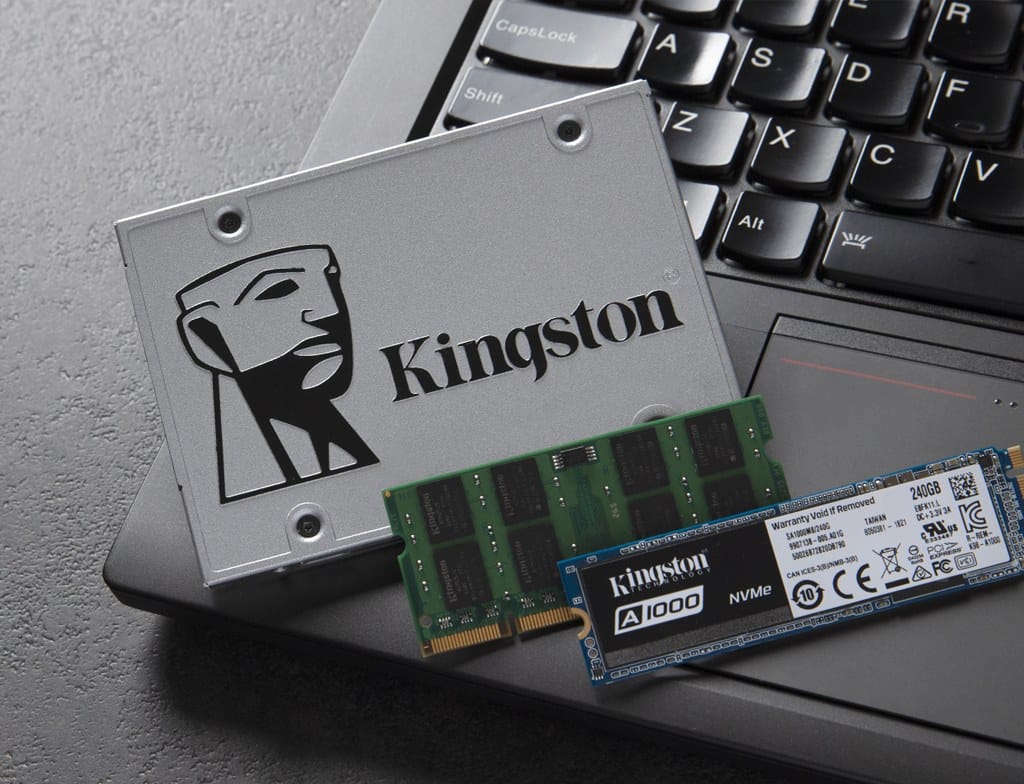
If you are seeking an SSD upgrade, you can contact MarkTech Nepal to confirm supported SSD types (SATA, NVMe, M.2 and generation) and capacities for your MacBook model.
RAM Upgrade Service
RAM upgrades would include free diagnostics, use of genuine parts, and a warranty. Technicians would verify motherboard compatibility and maximum RAM capacity (e.g., 16GB, 32GB, or higher for upgradable models).
Upgrading from 4GB/8GB to 16GB or higher would improve multitasking, application performance, and gaming capabilities, as noted in general laptop upgrade guides. We install compatible RAM modules like DDR2, DDR3 for older models and DDR4, DDR5 for non-soldered configurations.
On the other hand, MacBooks, especially post-2016 models, have soldered RAM, making upgrades impossible without specialized equipment. Older models (e.g., MacBook Pro pre-2012) may allow RAM upgrades via accessible slots.
CPU Upgrade Service
A CPU upgrade from Intel i3 to i5 or higher could improve processing power for tasks like video editing or gaming, but the cost often approaches that of a new device. CPU upgrades on desktops are generally cost-effective compared to buying a new system. Common models might be Intel Core i5-12400F or AMD Ryzen 5 5600X for budget-to-midrange builds.
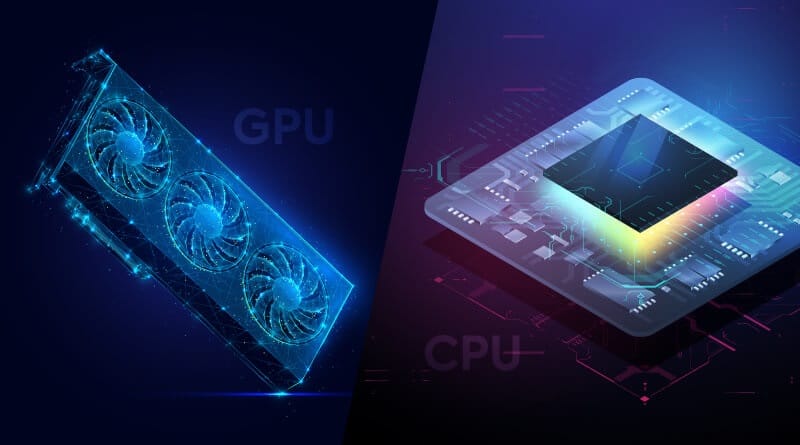
We offer high-end workstations and check motherboard compatibility, thermal paste application, and cooling system adjustments to handle increased heat. The process requires advanced technical skills, specialized tools, and BIOS updates.
CPU upgrades are limited by the motherboard’s socket (e.g., LGA 1700 for Intel 12th/13th Gen, AM4 for AMD Ryzen). Laptops rarely allow CPU upgrades due to soldered designs.
GPU Upgrade Service
Products: Likely include NVIDIA (e.g., GeForce GTX 1650, RTX 3060, RTX 4080) and AMD (e.g., Radeon RX 6600, RX 6750 XT) graphics cards.
Compatibility: Desktop GPUs require compatible PCIe slots and sufficient PSU wattage (e.g., 550W+ for RX 6750 XT). Laptop GPUs are typically non-upgradable, though external GPU (eGPU) docks are an option for some models with Thunderbolt ports.
Benefits: A GPU upgrade is critical for gaming, offering higher frame rates and better visuals. For example, an RX 6750 XT is suitable for 1440p gaming.
Services: We provide GPU installation and PSU compatibility checks for desktops.
System Upgrade Service
We include full system diagnostics, component upgrades, performance optimization and offer:
- Storage Upgrades: Replacing HDDs with SSDs or adding dual-storage setups (SSD for OS, HDD for files).
- RAM Upgrades: Adding or replacing RAM modules for better multitasking.
- Cooling Solutions: Installing cooling pads for laptops or aftermarket coolers for desktops to manage heat after upgrades.
- Software Optimization: Reinstalling the OS, defragmenting drives (for HDDs), or removing bloatware to boost performance.
- Peripheral Upgrades: Offering monitors, keyboards, or mice to enhance the overall experience.
We also provide custom PC assembly for gaming or professional use, selecting compatible components based on user needs. Upgrades might come with limited warranties, though third-party components (e.g., non-HP drives) may not affect manufacturer support.
If you want to learn more regarding our SSD, RAM, CPU, GPU, and system upgrade services, you can Visit Us or Contact Us: